
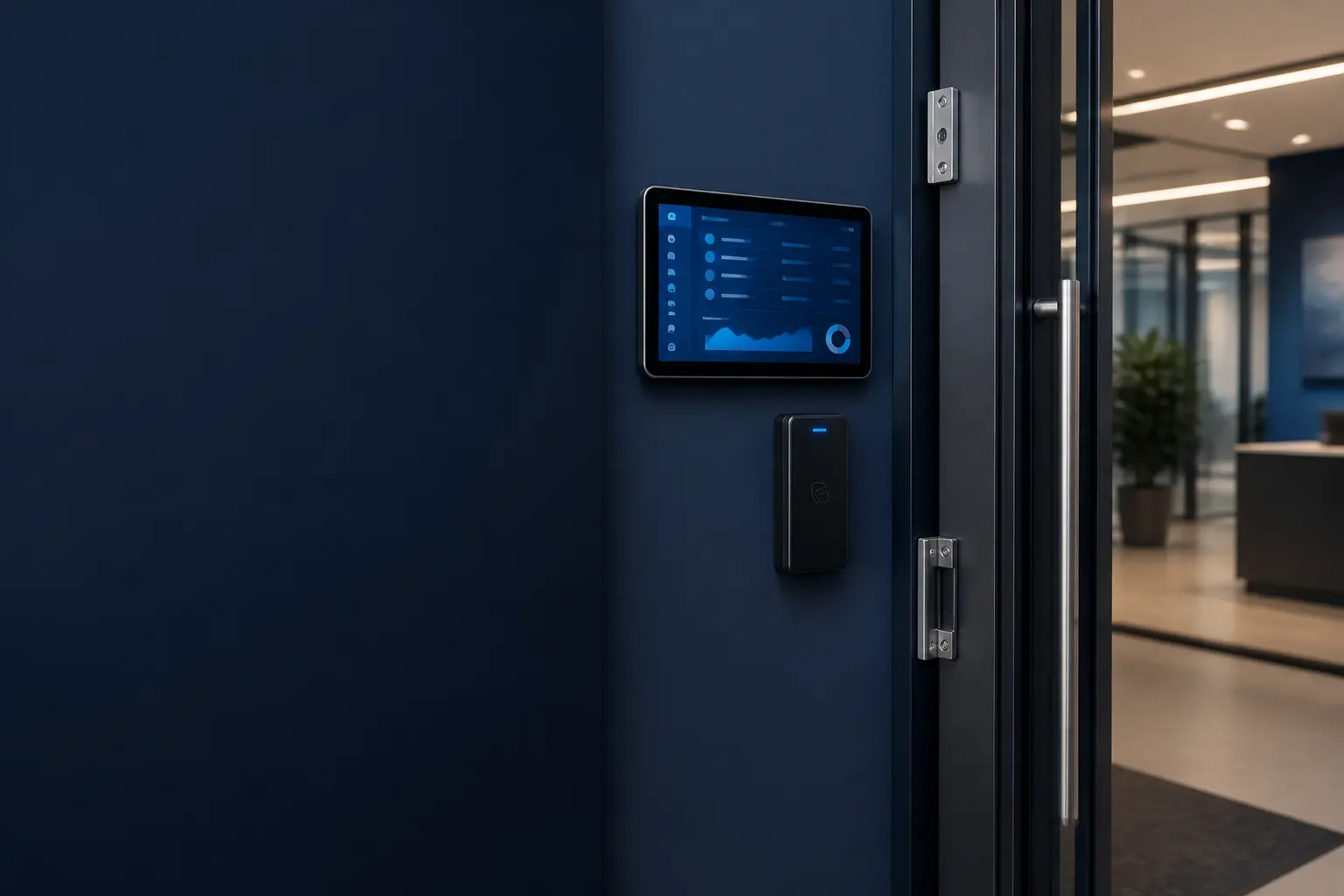
COMMERCIAL ACCESS CONTROL
TCB Product
TCB Door Access
Control every entry. Understand every event.
A practical door access platform for credentials, schedules, remote operations, event history, and the camera context that helps staff respond with confidence.
- LOCAL
- Door decisions
- LIVE
- Event visibility
- MULTI-SITE
- Ready to scale
ACCESS BUILT AROUND OPERATIONS
Secure the door without slowing down the people who use it.
TCB Door Access connects credentials, doors, schedules, staff permissions, and event records in one operating view. It is designed for the day-to-day realities of opening, locking, reviewing, and servicing a facility.
Start with one entry or coordinate multiple buildings. TCB can plan the door hardware, network, reader placement, management workflow, and ongoing support as one complete system.
CAPABILITIES
One system for the whole workflow.
Practical tools for the people operating the system, the managers responsible for it, and the technicians supporting it.
Credential management
Issue, disable, and organize badge access by person, role, door, and schedule.
Door monitoring
See door position, access events, held-open conditions, and forced-entry activity.
Remote operations
Give authorized staff controlled unlock tools with clear permissions and history.
Schedules & groups
Coordinate business hours, holidays, departments, buildings, and shared access rules.
Camera context
Connect access events with nearby camera views and clips for faster review.
Audit & service
Keep searchable activity, controller health, configuration, and service evidence together.
FROM PLAN TO DAILY USE
A clear path into production.
TCB works through the details that make technology useful after installation—not just during the demo.
- 01
Assess
Walk doors, review hardware, power, network paths, safety requirements, and staff workflows.
- 02
Configure
Build roles, schedules, credentials, alerts, and integrations around the facility.
- 03
Operate
Monitor daily activity, respond to exceptions, and expand as buildings or needs change.
BUILT TO FIT
Commercial tools without enterprise clutter.
Useful for focused local operations and structured enough to grow across teams, doors, sites, or locations.
Offices & operations
Manage staff, vendors, schedules, and sensitive areas without relying on mechanical keys alone.
Discuss your needs →Schools & nonprofits
Give administrators clear control while keeping everyday access simple for authorized people.
Discuss your needs →Commercial portfolios
Standardize access policies, event review, and service across multiple facilities.
Discuss your needs →SITE ASSESSMENT
Tell us about the doors and the people who use them.
Useful details include door count, building count, existing locks or readers, staff roles, operating hours, camera needs, and any doors that require special life-safety coordination.