
CONNECTED COMMERCIAL SECURITY
TCB Product
TCB Alarm System
Know what happened. Respond with confidence.
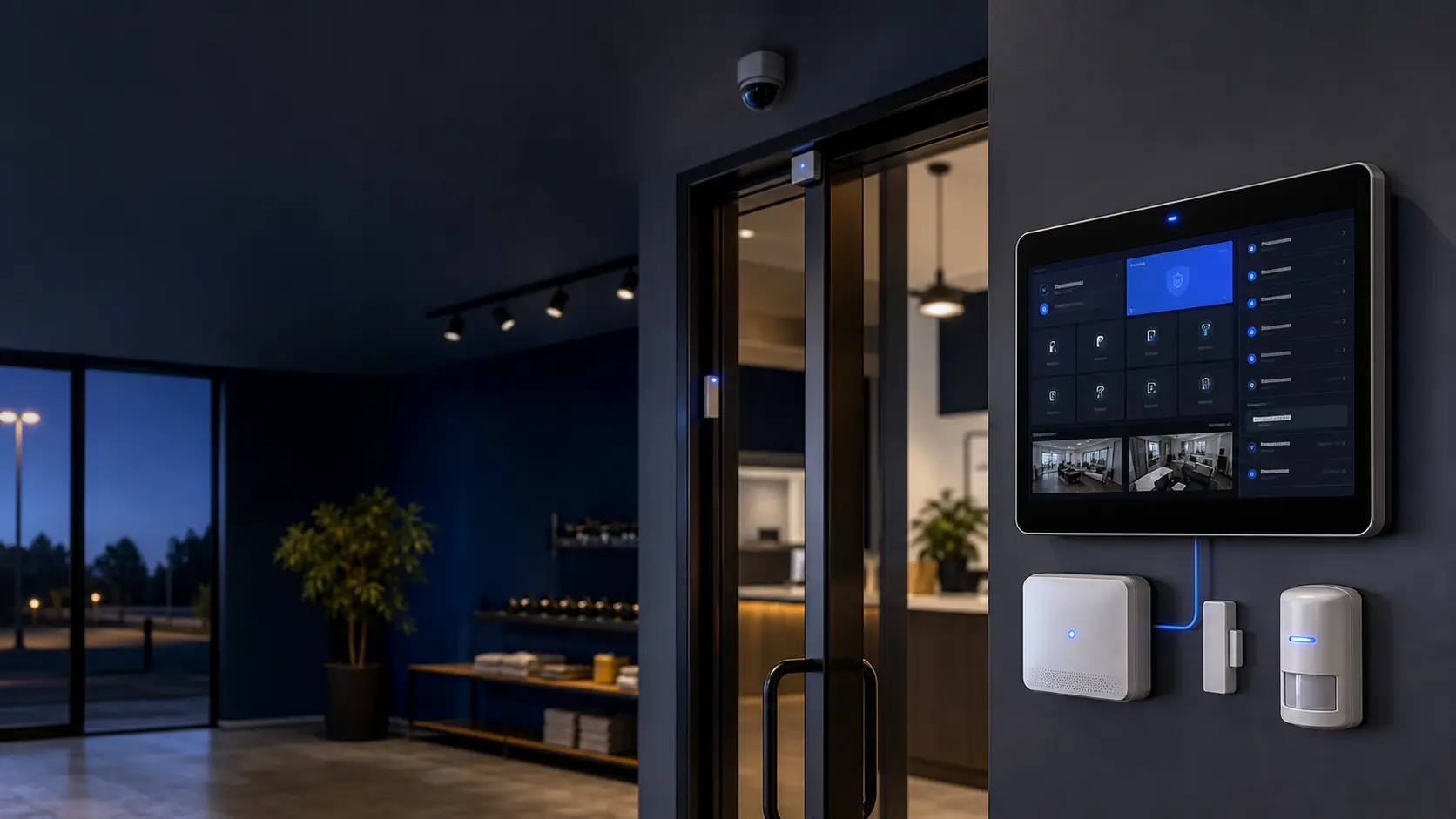
A configurable alarm platform that connects sensors, local controls, live status, alerts, event history, cameras, and system health in one practical security workflow.
- LOCAL
- Control & audio
- LIVE
- Sensor status
- LOGGED
- Event history
SECURITY BUILT AROUND THE SITE
One clear operating view from the first sensor event to the final report.
TCB Alarm System is a working, configurable security platform for businesses and organizations. It combines door, motion, temperature, humidity, and other connected sensors with arming modes, entry delays, siren control, alert policies, and a live operating view.
The system keeps critical alarm decisions deterministic and explainable. MQTT connects sensors and services in real time, while PostgreSQL preserves configuration, users, alarm state, and event history for review, reporting, and support.
CAPABILITIES
One system for the whole workflow.
Practical tools for the people operating the system, the managers responsible for it, and the technicians supporting it.
Configurable protection modes
Choose which sensors participate in each operating mode, with countdowns, entry delays, and optional silent or stealth behavior.
Live local & web control
Use a touch-friendly wall panel, full-screen interface, or authenticated browser view to see status and manage approved alarm actions.
Connected sensor network
Monitor door contacts, motion, temperature, humidity, and other configured devices through a flexible MQTT event architecture.
Alerts & escalation
Route policy-based email, email-to-SMS, or optional SMS notifications according to alarm state, event type, and severity.
Event history & reports
Retain alarm state, sensor events, outcomes, and audit history in PostgreSQL, with reporting workflows available for operations and review.
Camera & health context
Trigger supported camera snapshots for critical events and monitor service, software, disk, and sensor-health signals that affect system readiness.
FROM PLAN TO DAILY USE
A clear path into production.
TCB works through the details that make technology useful after installation—not just during the demo.
- 01
Assess
Review the facility, sensor locations, operating modes, network, alerts, audio, cameras, users, and response expectations.
- 02
Configure
Build the controller, sensor rules, permissions, interfaces, notification paths, and integrations around the site's daily operation.
- 03
Operate & improve
Monitor live status and history, review incidents, maintain sensor health, and refine rules as the facility or risk changes.
BUILT TO FIT
Commercial tools without enterprise clutter.
Useful for focused local operations and structured enough to grow across teams, doors, sites, or locations.
Offices, retail & warehouses
Protect entrances, sensitive rooms, inventory, equipment, and after-hours operations with a system configured for the property.
Discuss your needs →Gyms & member facilities
Coordinate door, motion, environmental, camera, and notification workflows around staffed and unstaffed operating hours.
Discuss your needs →Schools, churches & nonprofits
Give authorized staff understandable controls, useful alerts, and an event history that supports responsible follow-up.
Discuss your needs →ALARM SYSTEM ASSESSMENT
Tell us what needs protection and how your team should respond.
Useful details include the facility type, doors and areas of concern, operating hours, existing sensors or cameras, internet and network availability, desired alerts, local panel needs, user roles, and any telephone or reporting workflows.