
KNOWLEDGE-GROUNDED CUSTOMER SUPPORT
TCB AI Application
TCB AI Help Desk
Give every customer an informed first answer.
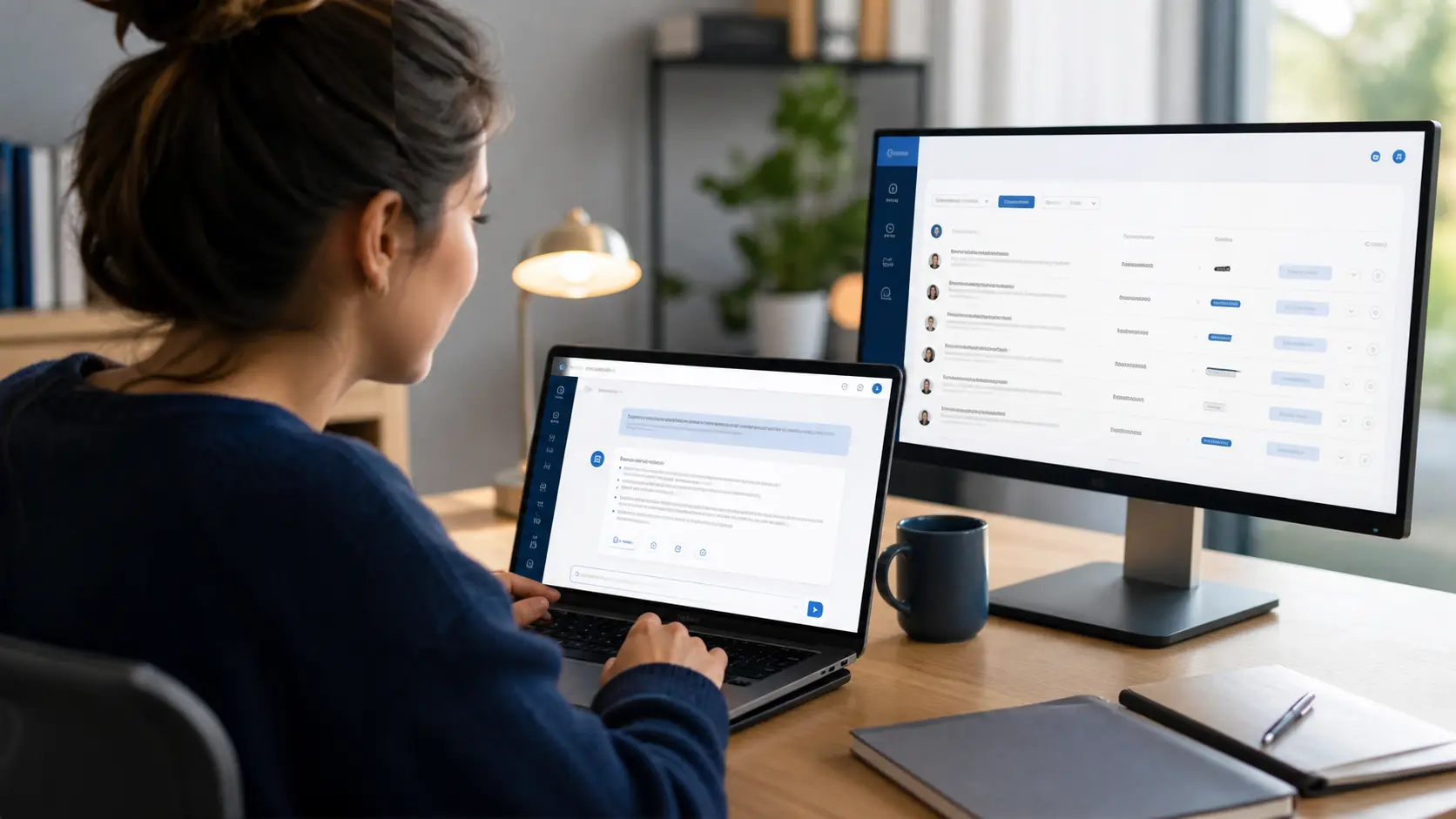
A focused AI help desk that answers from approved course, product, or service knowledge, keeps a ticket history, respects access rules, and gives staff a clear path to review or replace an answer.
- FOCUSED
- Approved knowledge
- FAST
- First response
- HUMAN
- Review & override
AI THAT KNOWS ITS ASSIGNMENT
Support users from the material your organization trusts.
TCB AI Help Desk brings guided AI answers directly into an existing website, learning platform, customer portal, or custom application. Instead of behaving like a general chatbot, it is instructed to stay within the selected course, product, service, or internal knowledge area.
The first implementation supports students at MS Images University using course descriptions, syllabi, lesson material, and active instructor guidance. Questions become reviewable tickets, and an administrator can provide the final answer whenever human expertise should take over.
CAPABILITIES
One system for the whole workflow.
Practical tools for the people operating the system, the managers responsible for it, and the technicians supporting it.
Approved knowledge context
Build each answer from the selected course, product documentation, service guidance, or other maintained source material.
Focused answer boundaries
Keep the assistant inside the relevant subject and redirect questions that belong in a different course or support channel.
Ticket history
Preserve the question, AI response, status, timestamps, and customer history in a reviewable support record.
Human review & override
Let authorized staff review responses, handle exceptions, and replace an AI answer with the authoritative human response.
Entitlements & subscriptions
Connect help-desk access to enrollment, subscription, customer, membership, or product-ownership rules.
Custom website integration
Embed the workflow into the site users already know, with matching authentication, branding, administration, and reporting.
FROM PLAN TO DAILY USE
A clear path into production.
TCB works through the details that make technology useful after installation—not just during the demo.
- 01
Define
Choose the users, topics, approved source material, answer boundaries, escalation rules, and staff review process.
- 02
Integrate
Connect the help desk to the website, user accounts, products or courses, billing rules, and administrative tools.
- 03
Improve
Review real tickets, add guidance where questions recur, and refine the experience as the knowledge base changes.
BUILT TO FIT
Commercial tools without enterprise clutter.
Useful for focused local operations and structured enough to grow across teams, doors, sites, or locations.
Course creators & training programs
Give enrolled learners course-specific help while keeping instructors in control of the final guidance.
Discuss your needs →Products & service organizations
Answer common customer questions from approved documentation and route exceptions into a staff queue.
Discuss your needs →Employee knowledge desks
Help staff find process and policy answers while preserving the history needed to improve internal documentation.
Discuss your needs →AI HELP-DESK DEMO
Tell us what your users ask and where the answers live today.
Useful details include the audience, website or portal, source material, user access rules, question volume, staff review process, billing model, escalation needs, and subjects the assistant should never answer.